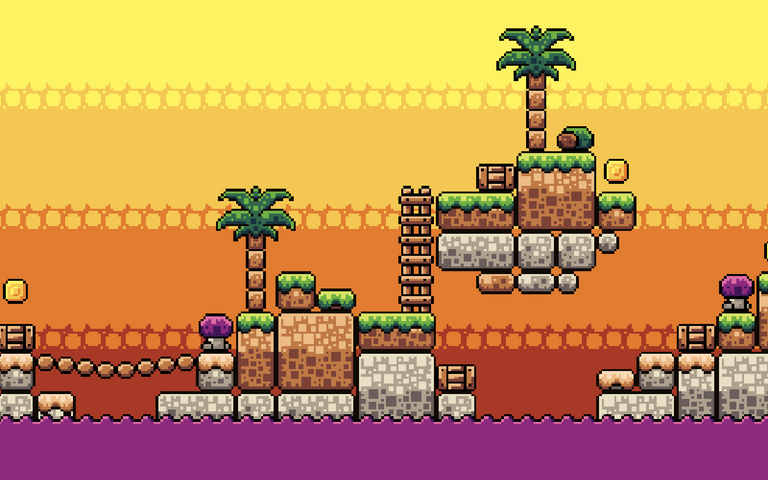
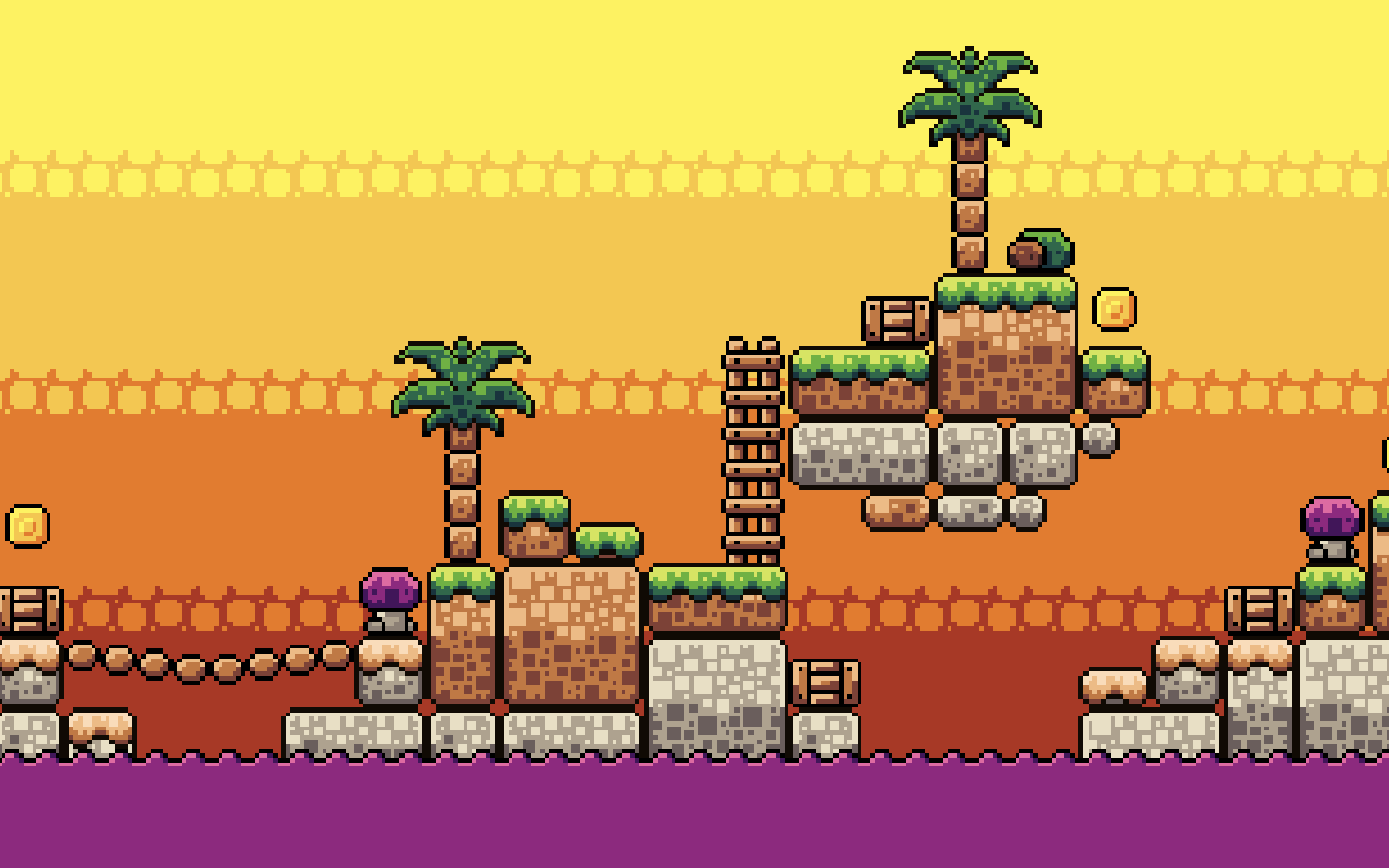
Docs for pixel art animation and tilesets show how to build frames, organize reusable tiles, and keep sprites sharp inside an engine. Adobe Firefly’s pixel art generator complements those docs by quickly producing 8-bit and 16-bit-inspired concepts, including tileable textures, that you can refine with editor and engine documentation as your guide.
Picture a two-person team building a retro platformer in Godot. One of them codes, the other is learning pixel art on the fly. They need a walk cycle for the hero, a tileset for the caves, and a way to make it all look crisp on a 1080p monitor. That’s three different skill areas, and each one has its own best references. Documentation explains the technical side, books explain the craft, forums provide feedback, and tutorials and palette libraries fill in the gaps. Knowing which resource answers which question saves a lot of guesswork.
For tilesets specifically, editor docs are the most practical place to start. Aseprite supports tilemaps, which are layers built entirely from tiles in a tileset, so you can paint a level and edit a tile once to update it everywhere. Tiled, a free and open source map editor, documents how to build tile-based maps with layers, custom properties, and Automapping rules, and how to export them as TMX or JSON. Pro Motion NG includes a built-in tile map editor with in-place tile editing. Firefly can help at the concept stage. Adobe’s example prompts include a seamlessly tiling texture described as a game asset.
What Do Godot Docs Say About Pixel Art: Nearest Filter and Integer Scaling in 2D?
Godot docs and guides on pixel art focus on two settings for 2D games: the nearest filter and integer scaling.
Godot’s default texture settings use linear filtering, which smooths pixels when they’re scaled. GDQuest’s Godot 4 guide recommends setting the project’s default texture filter to Nearest so every sprite stays sharp.
For scaling, Godot’s documentation on multiple resolutions covers stretch modes and scale modes. Since Godot 4.3, you can set the scale mode to integer, which only enlarges the game by whole-number amounts so pixels never stretch unevenly. GDQuest suggests viewport or canvas_items stretch modes for pixel art.
Base resolution matters too. A common Godot setup guide recommends 320 x 180 or 640 x 360, since both scale evenly to standard monitors such as 1920 x 1080 and 3840 x 2160.
Pixel Art for Game Developers by Daniel Silber: Publisher and What’s Inside
Pixel Art for Game Developers by Daniel Silber is published by A K Peters/CRC Press and runs 256 pages. O’Reilly lists it at an intermediate to advanced level.
The book focuses on universal principles of pixel art and pixel art software, with the goal of helping readers create the characters and environments needed for 2D games. It introduces pixel art’s uses and foundations, covers concepts such as light and shadow, and includes tutorials on creating animations. Chapters cover making lines and animating pixels, among other topics.
It works well as a companion to software docs. Docs explain which buttons and settings to use, while a book like Silber’s explains why certain lines, shading choices, and animation timings read better on screen. For developers who are new to art, that context can make tutorials much easier to follow.
Where to Find a Pixel Art Tutorials Forum for Feedback
A pixel art tutorials forum gives you two things that docs and books can’t: feedback on your own work and links to tutorials other artists trust.
Pixel Joint: Its forums include a resources section where members share tutorials, software, and fonts, and the community actively critiques work in progress. It also runs weekly challenges.
Pixelation: Lospec describes this long-running standalone forum as a home for studies and deeper discussions of pixel art, with a place for feedback.
Lospec Discord: Boards cover pixel art, palettes, and other low-spec art, with channels for getting feedback.
Experienced members often recommend posting work in progress, staying open to critique, and reworking pieces several times. Commenting on others’ art also tends to encourage more feedback on yours.
Pixel Art Tutorials, Palettes, and Tools Worth Bookmarking
These pixel art tutorials, palettes, and tools cover the most common needs for retro game projects.
| Resource | Best for | Key details |
| Derek Yu’s pixel art tutorial | A complete beginner walkthrough | Covers software, palettes, jaggies, form, outlines, and dithering; paired with a common mistakes guide |
| Lospec | Palettes and community resources | Community palettes downloadable in GPL format; guides to communities and software |
| Aseprite | Animation and tilesets | Timeline with frames, layers, and cels; onion skinning; tilemaps; sprite sheet export as PNG and JSON |
| Adobe Firefly | Concepts and texture ideas | Prompts or reference images plus Pixel art effect; output up to 2000 x 2000 pixels; commercially safe Firefly models |
Start with one tutorial, one palette, and one editor, and add more only as your project needs them.
FAQ
What tile size should a retro tileset use?
Many retro games use 16 x 16 or 32 x 32 pixel tiles. Pick one size for the whole project so tiles, characters, and collision boxes line up cleanly.
Can Firefly set an exact pixel size for tiles?
No. Adobe notes you can’t manually set pixel size beyond the general output resolution. Generate a concept, then downscale it to your tile size with nearest-neighbor resampling and refine it in an editor.
Can I use Firefly pixel art in a commercial game?
Adobe says Firefly models without the beta label are designed to be safe for commercial use when you follow its generative AI user guidelines. Partner models may have different terms.
About the Author