
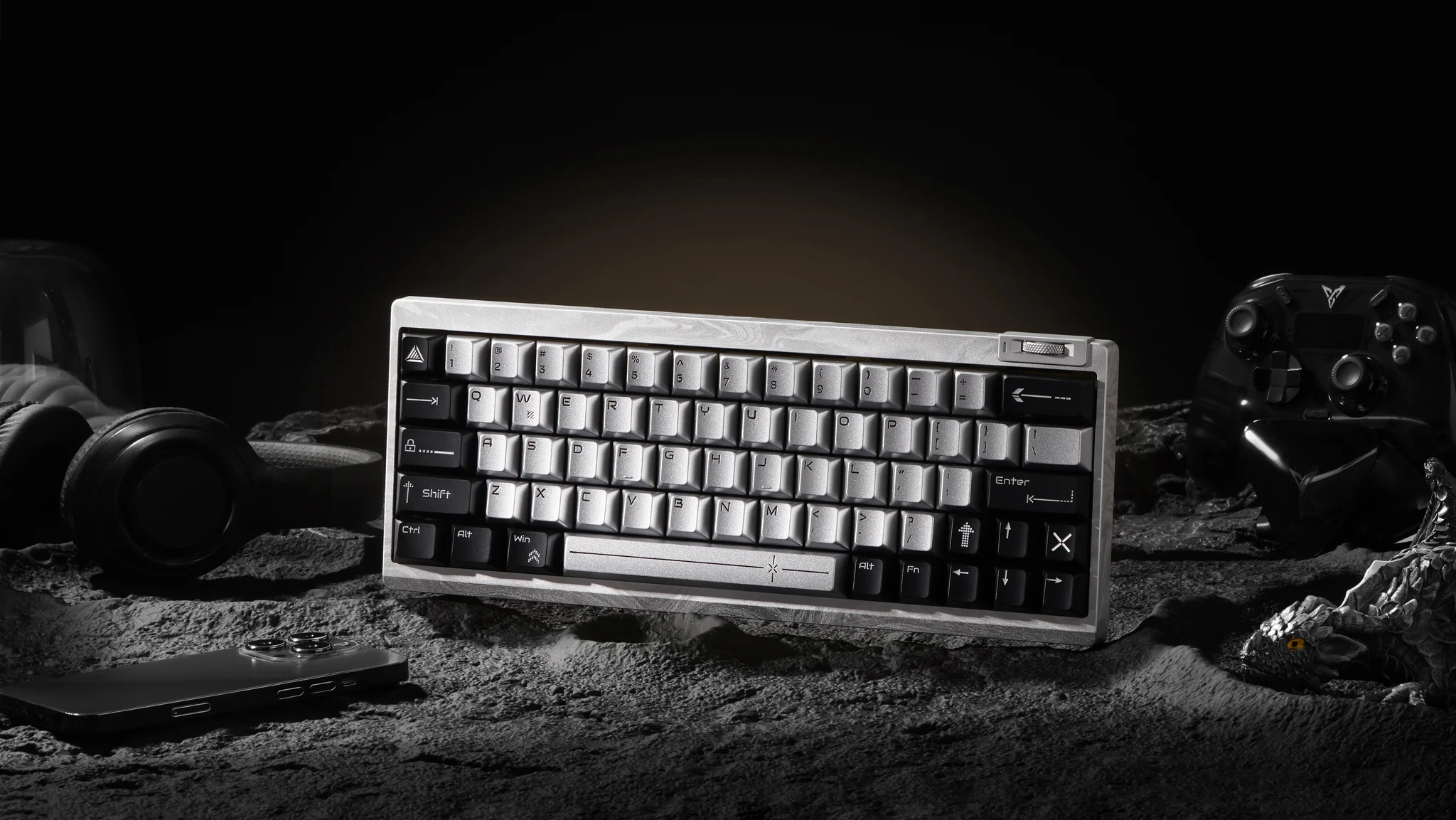
Mechanical keyboards are popular because they offer a more distinctive typing experience than many conventional keyboards. However, the same mechanical design that produces a satisfying keypress can also create noticeable noise.
That is where silent keyboard switches come in.
Silent switches are mechanical keyboard switches designed to reduce the sound produced when a key is pressed and released. They typically use dampening materials inside the switch to soften the impact of the stem against the switch housing. The result is usually a quieter keyboard without giving up the basic feel and responsiveness associated with mechanical switches.
But “silent” does not mean completely noiseless. The final sound of a keyboard also depends on the keycaps, keyboard case, plate, stabilizers, desk surface, and even how heavily someone types.
For gamers, programmers, office workers, and people who use a keyboard late at night, choosing the right silent switch can make a meaningful difference. If you are still deciding between switch types, our linear vs tactile guide is a helpful starting point. The key is matching the switch type and feel to the way you actually use your keyboard.
If you are comparing different options, you can also explore a dedicated selection of silent keyboard switches to see how different designs and switch characteristics compare.
Why Do People Choose Silent Keyboard Switches?
The biggest reason people choose silent keyboard switches is simple: they want a mechanical keyboard experience with less distracting noise.
A traditional mechanical switch can produce sound from several sources. The keycap can hit the switch housing, the stem can bottom out, and the key can create additional noise when it returns to its resting position. Silent switches use internal dampening components to reduce some of these impact sounds.
This can be particularly useful in environments where keyboard noise is more noticeable.
A person working in a shared office, for example, may type for several hours while sitting close to coworkers. At home, someone sharing a room with a partner may prefer a quieter keyboard. A gamer who plays late at night may also want to reduce the sound reaching other people in the house.
Noise can matter in shared environments even when it is not loud enough to create a hearing-safety concern. Research involving more than 1,000 workers found that irrelevant speech noise in shared and open-plan offices was associated with greater noise annoyance and reduced perceived work performance.
Silent switches do not solve every office-noise problem, but reducing one recurring source of repetitive sound can make a workstation more comfortable.
Are Silent Switches Better for Shared Workspaces?
They can be a practical choice for shared offices, libraries, bedrooms, and other environments where repetitive clicking may disturb people nearby.
The advantage is especially noticeable when compared with louder clicky switches. However, the actual reduction depends on the switch, keyboard construction, and typing technique. A heavy typist can still produce noticeable bottom-out and desk noise even with silent switches.
It is also important to distinguish comfort from workplace hearing safety. OSHA identifies 85 dBA as the action level for an 8-hour occupational noise exposure, so ordinary keyboard selection should not be treated as a hearing-protection issue.
Are Silent Switches Suitable for Late-Night Gaming?
For late-night gaming, silent switches can be especially useful.
Imagine playing an FPS game at 1 a.m. while another person is sleeping nearby. Rapid key presses on a conventional mechanical keyboard can become surprisingly noticeable. Silent switches reduce the sharp impact sounds produced by repeated keystrokes, making them a sensible option for nighttime use.
They are also useful for streamers and content creators who record voice through a microphone. A quieter keyboard does not eliminate microphone noise, but it may make keyboard sounds easier to manage during recording.
Which Silent Keyboard Switches Are Best for Gaming?
There is no single silent switch that is ideal for every gamer. The better choice depends on the games you play and whether you prioritize rapid movement, precision, or tactile feedback.
For competitive gaming, many players prefer linear switches because the keypress is smooth and does not have a tactile bump. Silent linear switches can combine that smooth movement with reduced impact noise.
For strategy games, MMOs, RPGs, and games involving frequent typing, however, tactile silent switches can also make sense because the tactile feedback provides a clearer indication that the switch has actuated.
Independent switch testing sites such as RTINGS evaluate mechanical switches across characteristics such as feel, operating behavior, and suitability for different uses rather than treating one switch type as universally best.
Are Silent Linear Switches Better for Gaming?
Silent linear switches are often a strong starting point for gaming because their travel is smooth and consistent. Browse linear switches; the in-stock OUTEMU Silent Honey Peach V3 Pro is a smooth, factory-lubed silent linear.
There is no tactile bump to interrupt the keypress, which can make repeated inputs feel predictable. This can be useful in games where players frequently press movement or action keys.
For example, a player using WASD controls in a competitive FPS may appreciate a smooth switch because the same keys are being activated hundreds or thousands of times during a long gaming session.
However, switch preference is highly personal. Some gamers prefer tactile feedback because it helps them recognize the actuation point without looking at the keyboard.
Do Silent Switches Affect Gaming Performance?
A silent switch does not automatically make a keyboard slower or faster.
Gaming performance depends on factors such as actuation characteristics, switch design, keyboard firmware, scanning rate, debounce behavior, and the player’s own input habits.
The primary benefit of a silent switch is acoustic rather than performance-related.
For competitive gaming, it is better to evaluate the complete keyboard and switch specification instead of assuming that “silent” means “gaming optimized.” A well-designed silent switch can provide the responsiveness a gamer needs while making the keyboard less intrusive in the room.
What Should Gamers Consider When Choosing Silent Switches?
Gamers should consider four things:
Linear or tactile feel – Linear switches are smooth, while tactile switches provide a bump.
Spring weight – Lighter springs can feel easier for rapid inputs, while heavier springs may reduce accidental presses for some users.
Dampening feel – Some silent switches have a softer bottom-out that can feel different from conventional switches.
Compatibility – Check whether the switch is compatible with your keyboard’s PCB, especially if you are replacing switches in an existing board.
For hot-swappable keyboards, also verify the switch type and socket compatibility before buying a large quantity.
Which Silent Keyboard Switches Are Best for Typing and Coding?
Typing and coding place different demands on a switch than gaming.
Someone writing documents for eight hours may care more about comfort, feedback, and fatigue than extremely rapid actuation. Programmers may also prefer a switch that makes it easy to distinguish between individual keystrokes while working through long blocks of code.
This is where silent tactile switches can become interesting.
A tactile switch provides a noticeable change in resistance during the keypress. Explore tactile switches, such as the in-stock OUTEMU Silent Lime V3 Pro. Some users find this feedback helpful because it makes each keystroke feel more deliberate.
On the other hand, people who prefer a smooth typing experience may find silent linear switches more comfortable.
Are Silent Tactile Switches Better for Typing?
They can be, particularly for users who like feedback when typing.
A silent tactile switch attempts to combine two characteristics: tactile feedback and reduced acoustic impact. That makes it a middle ground between a smooth linear switch and a louder traditional tactile or clicky switch.
For writers, programmers, and office workers, this can provide a useful balance. You can feel the keypress without producing the pronounced sound associated with many clicky switches.
Still, tactile preference is subjective. One person’s ideal bump may feel distracting to another person.
Do Silent Switches Cause a Mushy Typing Feel?
Sometimes.
The dampening material used to reduce impact noise can also change how the bottom and top of the keypress feel. Compared with a conventional mechanical switch, some silent switches may feel softer or less crisp.
This is one of the most common trade-offs discussed by keyboard enthusiasts.
A switch can be extremely quiet while feeling less sharp than a non-silent alternative. That does not necessarily mean the switch is poorly designed; it is often a consequence of using dampening materials.
Modern silent switches vary considerably, though, so “silent equals mushy” is too broad a conclusion.
How Does Spring Weight Affect Typing Comfort?
Spring weight determines how much force is needed to move the switch.
A lighter spring can make keys feel easy to press, which some users appreciate during long typing sessions. However, extremely light switches may increase accidental presses for users with heavier hands.
A heavier spring can provide more resistance and may feel more controlled, but it can also require more effort over long sessions.
For office work and programming, a moderate spring weight is often a sensible starting point. If possible, test several switches before committing to an entire keyboard.
How Can You Make a Mechanical Keyboard Even Quieter?
Switches are only one part of keyboard acoustics. For a full walkthrough, see our guide on how to make a mechanical keyboard quieter.
Even a well-dampened silent switch can sound louder than expected if it is installed in a resonant keyboard case or paired with hard keycaps and a rigid desk surface.
The keyboard should therefore be treated as a complete acoustic system.
Do Keycaps Affect Keyboard Noise?
Yes.
Keycap material, thickness, profile, and construction can change the sound of a keyboard. Thicker keycaps often produce a different sound profile from thin keycaps, while different materials can emphasize different frequencies.
Keycap shape also changes how sound travels around the switch.
If you already have silent switches but your keyboard still sounds louder than expected, changing the keycaps may produce a noticeable difference without replacing the switches. Browse our keycaps to experiment with the sound.
Can Keyboard Foam Reduce Noise?
Foam can help reduce resonance inside certain keyboard cases.
Case foam, plate foam, and other dampening materials can absorb or reduce some internal reflections and vibrations. This can make the keyboard sound less hollow.
However, foam is not a universal solution. Adding too much material can change the typing feel, alter the sound profile, or interfere with components.
A better approach is to identify where the unwanted sound is coming from before adding dampening material.
Does the Keyboard Case Affect Sound?
Very much.
A large hollow case can amplify certain sounds, while a more solid construction may produce a denser acoustic profile.
The desk also matters. Placing a mechanical keyboard directly on a hard desk can transmit vibration into the surface. A desk mat can help isolate some of this vibration. A desk mat is an easy first upgrade.
This is why two keyboards using the same silent switches can sound noticeably different.
A useful way to troubleshoot noise is to change one variable at a time: first the switches, then keycaps, then case dampening, and finally the surface underneath the keyboard.
What Are the Most Common Problems With Silent Keyboard Switches?
Silent keyboard switches offer a useful combination of mechanical feel and reduced noise, but they involve trade-offs.
The most common complaints are usually related to feel rather than functionality.
Some users find certain silent switches too soft. Others may notice that the keyboard is quieter but not completely silent. Some may also prefer the crisp sound and feedback of traditional mechanical switches.
This is why reviews and specifications should be treated as starting points rather than guarantees. The same switch can feel different depending on the keyboard, keycaps, lubrication, mounting style, and typing technique.
Why Do Some Silent Switches Feel Mushy?
The dampening mechanism is the main reason.
Silent switches often use rubber or elastomer dampeners to reduce impact when the stem reaches the top or bottom of the housing. That softer contact can make the keypress feel less sharp.
The effect varies by switch design. Some modern silent switches are engineered to preserve a relatively crisp feel while still reducing noise.
If you dislike soft bottom-out, look for silent switches specifically described as having a firmer or more defined bottom-out.
Why Can Silent Switches Still Make Noise?
Because the switch is not the only source of keyboard sound.
The keycap can hit the switch housing. Stabilizers can rattle. Springs can create internal noise. Tuning or upgrading your stabilizers can quiet that rattle. The plate and case can resonate. Your fingers can also create a noticeable bottom-out sound.
This is why a “silent mechanical keyboard” should generally be understood as noise-reduced, rather than literally silent.
PC Gamer has similarly highlighted the trade-off inherent in silent mechanical switches: reducing mechanical noise can change the characteristic feel and sound that many enthusiasts enjoy from a mechanical keyboard.
How Can You Improve the Sound and Feel of Silent Switches?
Start with the simplest changes.
Make sure the switches are properly installed, check stabilizers for unwanted rattle, and consider whether your keycaps or case are contributing to resonance.
If the switches feel too soft, experiment with another silent switch design rather than immediately modifying the entire keyboard.
If the keyboard is still too loud, try a desk mat or appropriate case dampening. The goal is to reduce the specific source of noise rather than adding as much dampening material as possible.
Conclusion
Silent keyboard switches are a practical option for people who want the feel and customization potential of a mechanical keyboard without the louder sound associated with many conventional switches.
For gaming, silent linear switches can provide a smooth and consistent experience. For typing and coding, silent tactile switches may offer a useful combination of feedback and lower noise. For shared offices and late-night use, either type can help reduce repetitive keyboard sounds.
The most important point is that there is no universally “best” silent switch.
Your ideal choice depends on how you type, what games you play, how much tactile feedback you prefer, the spring weight you are comfortable with, and how your keyboard is constructed.
If you want the quietest possible setup, look beyond the switch itself. Keycaps, stabilizers, the keyboard case, mounting system, desk surface, and typing technique can all influence the final sound.
In other words, choosing a silent switch is less about finding the quietest switch on paper and more about finding the right balance between sound, feel, comfort, and performance for your everyday use.
FAQs
Are silent keyboard switches good for competitive gaming?
They can be. Silent switches can reduce keyboard noise without inherently preventing responsive gaming input. Many competitive players may prefer linear switches because of their smooth travel, while others prefer tactile feedback. For competitive gaming, switch feel, actuation characteristics, keyboard firmware, and personal preference are generally more important than the word “silent” alone.
Why do some silent switches feel mushy?
Silent switches commonly use internal dampening materials to reduce the impact sound when the stem reaches the end of its travel. That softer contact can make some switches feel less crisp than conventional mechanical switches. The effect varies between switch designs, so not every silent switch will have the same feel.
Can a mechanical keyboard ever be completely silent?
Not realistically in normal use. Even highly dampened mechanical keyboards can produce some sound from keycaps, stabilizers, springs, the switch mechanism, and finger impact. A better expectation is a very quiet mechanical keyboard, rather than a completely silent one.
About the Author