Every memorable video begins with a moment worth sharing. It might be a product moving through an imagined environment, a dramatic landscape that exists only in someone’s mind, or a short visual sequence designed to communicate a complicated idea. Turning such concepts into moving images has traditionally required planning, editing skills, suitable footage, and sometimes access to expensive production equipment.
For independent creators, small businesses, bloggers, and marketing teams, these requirements can make video production difficult to manage. Even a short clip may involve multiple stages, including scripting, filming, editing, adding transitions, and preparing the final file for different platforms. When a project requires several creative experiments, the workload can increase quickly.
A free ai video generator offers another way to approach this challenge by helping users transform creative instructions into video concepts. Rather than starting every project with a camera and a complete production plan, creators can explore visual ideas through AI-assisted generation. Dreamina is one platform worth exploring for this kind of workflow, although its available features, free usage limits, and export conditions should be checked before beginning a project.
Why Video Production Is Becoming More Accessible
Video has become an important part of how people learn about products, discover new ideas, and interact with online content. A short sequence can communicate movement, atmosphere, and emotion in ways that a static image may not fully capture. However, producing effective video content consistently can be demanding when time, equipment, or technical experience is limited.
AI-assisted video creation reduces some of the barriers involved in exploring a visual idea. A creator can describe a scene, identify the desired atmosphere, and investigate how the concept might appear in motion. This can be useful when developing an initial draft, testing a campaign direction, or creating a visual reference before a more detailed production begins.
Accessibility does not eliminate the need for creative judgment. A generated clip may contain unexpected movement, inconsistent objects, or transitions that do not fit the intended story. The real advantage is the ability to explore possibilities more easily, not a guarantee that every output will be ready for immediate publication.
The Difference Between Imagining a Scene and Showing It in Motion
A still image communicates a particular moment, while video introduces movement and change over time. That difference creates new opportunities but also requires additional planning. A scene that looks convincing in a single frame may become less believable when an object moves, a camera changes position, or the environment transforms.
Before generating a video, it helps to decide what should happen during the clip. The main subject might approach the camera, move through a setting, interact with an object, or remain still while the background changes. Defining one clear action can make the intended sequence easier to describe and evaluate.
For example, consider a short video concept for a travel brand. A vague request might describe a beautiful mountain landscape. A more useful direction could focus on morning mist drifting across a mountain valley while sunlight gradually illuminates the distant peaks. The second description establishes an event that unfolds over time rather than merely naming a location.
This way of thinking encourages creators to develop scenes with a beginning, a visual change, and a clear ending. Even a brief clip benefits from having a purpose beyond movement for its own sake.
Writing Better Prompts for AI Video Creation
Prompt writing plays a major role in communicating the intended result. A useful video prompt should identify the subject, describe the setting, explain the action, and establish the visual atmosphere. When camera movement matters, it can also specify whether the shot should remain fixed, move slowly, or follow the subject.
Consider a concept for a luxury watch advertisement. A short description might ask for a watch on a dark surface. A more developed prompt could describe a metallic watch resting on polished black stone, with a narrow beam of light moving across its surface and subtle reflections appearing in the background. The action, lighting, and setting now work together to establish a particular mood.
Specificity is helpful, but conflicting instructions can make the outcome harder to control. Asking for a completely stationary camera and a rapid rotating shot in the same scene creates competing directions. Similarly, describing too many actions within a very short clip can produce a sequence that feels rushed or confusing.
A practical approach is to begin with one main subject and one primary action. Review the generated result, identify the most important mismatch, and revise the prompt accordingly. If the movement feels excessive, simplify the action. If the scene lacks atmosphere, refine the lighting and environmental details. Small, focused changes make it easier to understand what improves the result.
Building Short Videos Around a Clear Story
Not every video needs a complicated plot. In many cases, a simple visual progression is enough to keep an audience interested. A product might be revealed gradually, a landscape might change from day to night, or an ordinary workspace might transform into a more imaginative environment.
The key is to give the viewer a reason to watch until the end. A sequence should establish its subject quickly and make the visual development easy to follow. If several unrelated actions occur without a clear connection, the result may feel like a collection of effects rather than a coherent piece of storytelling.
Creators can plan a short sequence using three basic stages:
- Opening: Introduce the main subject or establish the setting.
- Development: Show a meaningful movement, transformation, or discovery.
- Ending: Finish with a visually clear moment that supports the intended message.
This structure can work for educational clips, promotional videos, creative experiments, and social media content. It is flexible enough for different styles while providing a simple framework for organizing ideas.
Practical Uses for Different Types of Creators
Social Media and Short-Form Content
Social platforms encourage creators to communicate quickly. A brief visual sequence can introduce a topic, establish a mood, or provide an engaging opening for a larger piece of content. AI-generated video concepts can help creators explore different ways to present an idea before committing to a final edit.
However, movement alone does not make content effective. The opening should connect with the subject, the visuals should remain understandable on a small screen, and any added text should be readable. Creators should also consider the platform’s current aspect-ratio and duration requirements.
Product Marketing and Brand Campaigns
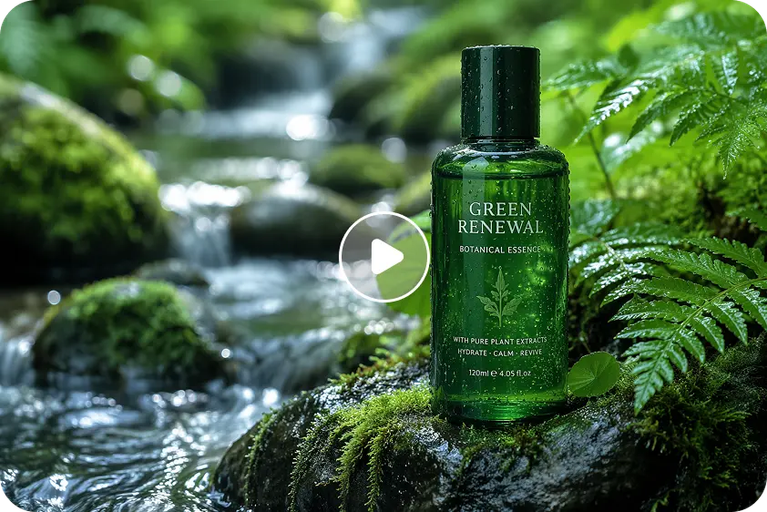
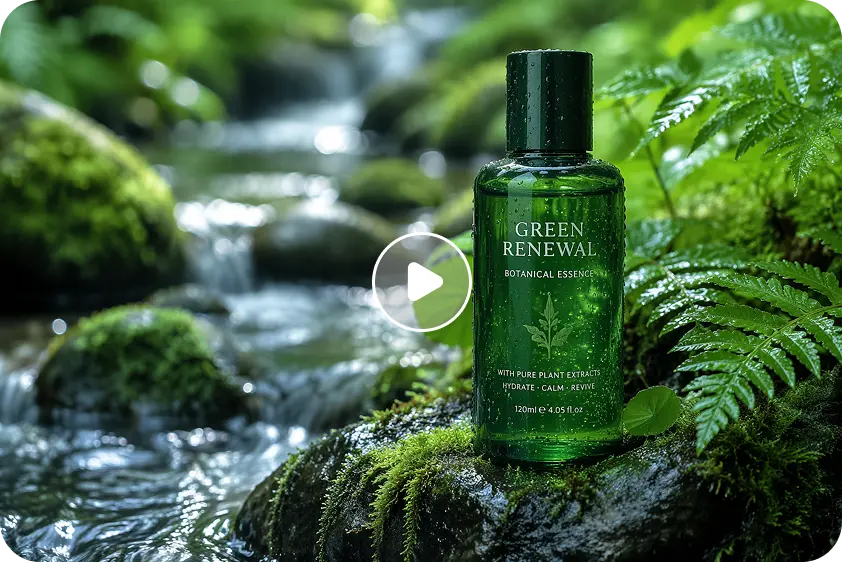
Businesses can use generated clips to explore possible advertising concepts, seasonal themes, and product presentation styles. A skincare company might investigate a calm, nature-inspired atmosphere, while a technology brand could test a clean, futuristic environment.
These videos can support brainstorming and campaign planning, but generated product details need careful inspection. If a clip represents a real product, its shape, branding, color, and function should not be altered in ways that mislead customers. For important commercial campaigns, additional editing or conventional filming may still be necessary.
Education and Explainer Videos
Educators and content creators often need to make abstract topics easier to understand. A generated sequence can help visualize a hypothetical environment, demonstrate a general process, or introduce a subject before a more detailed explanation.
The content must still be accurate. AI-generated motion should not be treated as a verified scientific demonstration or a precise technical simulation unless its details have been independently checked. Where the subject requires exact measurements or real-world evidence, verified footage and specialist visualizations may be more appropriate.
Story Development and Creative Projects
Writers, filmmakers, and designers can use generated clips to explore atmosphere, scene composition, and visual pacing. A writer developing a science-fiction story, for instance, might experiment with the appearance of a futuristic city before deciding how to describe it in the final script.
This type of exploration can help people communicate ideas to collaborators. A short visual reference may reveal whether a proposed environment feels crowded, peaceful, mysterious, or dramatic. The clip becomes a discussion tool that helps refine the creative direction before more resources are committed.
Maintaining Continuity Between Scenes
One challenge in AI video creation is keeping a sequence visually consistent. A character may change appearance, an object may shift shape, or the lighting may differ unexpectedly between shots. Such inconsistencies become particularly noticeable when several clips are intended to form one continuous story.
Planning can reduce some of these problems. Before generating individual scenes, establish a basic visual guide that describes the main subject, clothing or product details, environment, color palette, and overall atmosphere. Reusing consistent descriptions can help reinforce the intended direction, although it does not guarantee identical results.
It is also helpful to limit the number of major changes within each clip. A scene with one clear action is generally easier to review than a sequence that changes the location, subject, lighting, and camera position simultaneously. If a project requires precise continuity, creators may need to use reference images, editing tools, or additional production methods where available.
The final sequence should be reviewed as a whole rather than judged only as individual clips. Transitions, pacing, visual consistency, and the relationship between consecutive scenes all influence whether the finished video feels unified.
Editing Still Matters After Generation
AI generation can provide a starting point, but editing gives creators greater control over how the audience experiences the final video. Trimming unnecessary moments, adjusting pacing, adding sound, improving color balance, and placing text carefully can make a substantial difference.
Sound deserves particular attention. Background music, environmental effects, and narration can establish context and influence the emotional tone of a scene. At the same time, audio should support the visuals rather than distract from them. Creators should use audio assets they have permission to publish, particularly when producing commercial content.
Text and branding may also be easier to add during editing than to generate directly inside a scene. This allows users to control spelling, font selection, placement, and readability. Before exporting, they should check the final file on the device or platform where the intended audience will view it.
A good review should also consider whether every moment contributes to the message. Removing an unnecessary transition or shortening a slow opening can make a simple video more effective without requiring additional visual effects.
Understanding Free Access and Usage Limitations
Free access can be useful for learning, testing prompts, and deciding whether a particular workflow fits a project. However, free plans may have restrictions involving generation credits, processing speed, available models, export quality, watermarks, or commercial permissions.
These conditions can change over time. Before building a regular content schedule around a platform, users should review its current plan details and determine whether the available allowance meets their needs. They should also check which output formats are supported and whether the generated clips can be edited or downloaded in the required way.
A sensible starting point is to test a small project rather than assume that every planned video can be created without cost. This allows creators to understand the tool’s strengths and limitations before depending on it for a deadline or client deliverable.
Responsible and Professional Use of AI Videos
Realistic generated footage can be mistaken for authentic recordings, particularly when it depicts people, locations, or events. Creators should avoid presenting fabricated scenes as real evidence and should provide appropriate disclosure when the context requires it.
Consent and privacy are important considerations when generating videos involving identifiable individuals. Users should also respect intellectual property rights and review the platform’s terms before using generated material in commercial work. A video should not imitate a real person’s identity in a deceptive or harmful way.
Professional responsibility also includes checking the content for visual errors and misleading details. An image sequence may look impressive while showing physically impossible movement or incorrectly representing a product. Careful review helps protect audience trust and improves the reliability of the final result.
Conclusion
AI video creation is expanding the ways people can experiment with moving images, communicate ideas, and plan digital stories. It can help creators explore campaign concepts, visualize imagined environments, develop educational material, and prepare early versions of videos without beginning every project with traditional production.
The strongest outcomes come from combining accessible generation with deliberate storytelling. Clear prompts, focused actions, visual continuity, careful editing, and responsible publication all contribute to a better result. Dreamina can be one option for exploring AI-assisted video creation, but users should assess its current features and limitations against their actual requirements.
Ultimately, the purpose of a video is not simply to display motion. It is to communicate something worth watching. When creators start with a clear idea and use AI as part of a thoughtful production process, even a short clip can become a meaningful visual experience.
Frequently Asked Questions
1. What is a free AI video generator?
It is a tool that helps users create video content using artificial intelligence, often from written prompts or other supported inputs. Free access may be subject to usage limits or restrictions on available features.
2. Can beginners create AI videos without editing experience?
Yes, beginners can experiment with AI-assisted generation without advanced video production skills. Learning basic prompt writing, reviewing generated movement, and making simple edits can help improve the final result.
3. How can I make AI-generated videos more coherent?
Focus each prompt on one main action, describe the setting clearly, and maintain consistent details across related scenes. Review clips together and use editing to improve pacing and transitions.
4. Can AI-generated videos be used for business marketing?
They may be suitable for marketing, depending on the quality requirements, platform terms, and intended use. Businesses should verify product details, check commercial permissions, and avoid visuals that misrepresent what they sell.
5. Are free AI video tools unlimited?
Not always. Free plans may include generation credits, restrictions on duration, watermarks, or limits on export options. Check the current terms of the platform before planning a large project.
6. Why should AI-generated videos be reviewed before publishing?
Generated clips may contain inconsistent objects, unnatural movement, visual glitches, or misleading details. Reviewing the video helps identify these issues and ensures that the finished content matches its intended message.
About the Author